![m19-transparent.png]](https://help.m19.com/hs-fs/hubfs/m19-transparent.png?height=50&name=m19-transparent.png)
The Supply tab of a strategy decides where your ads can be shown. It has three supply sources.
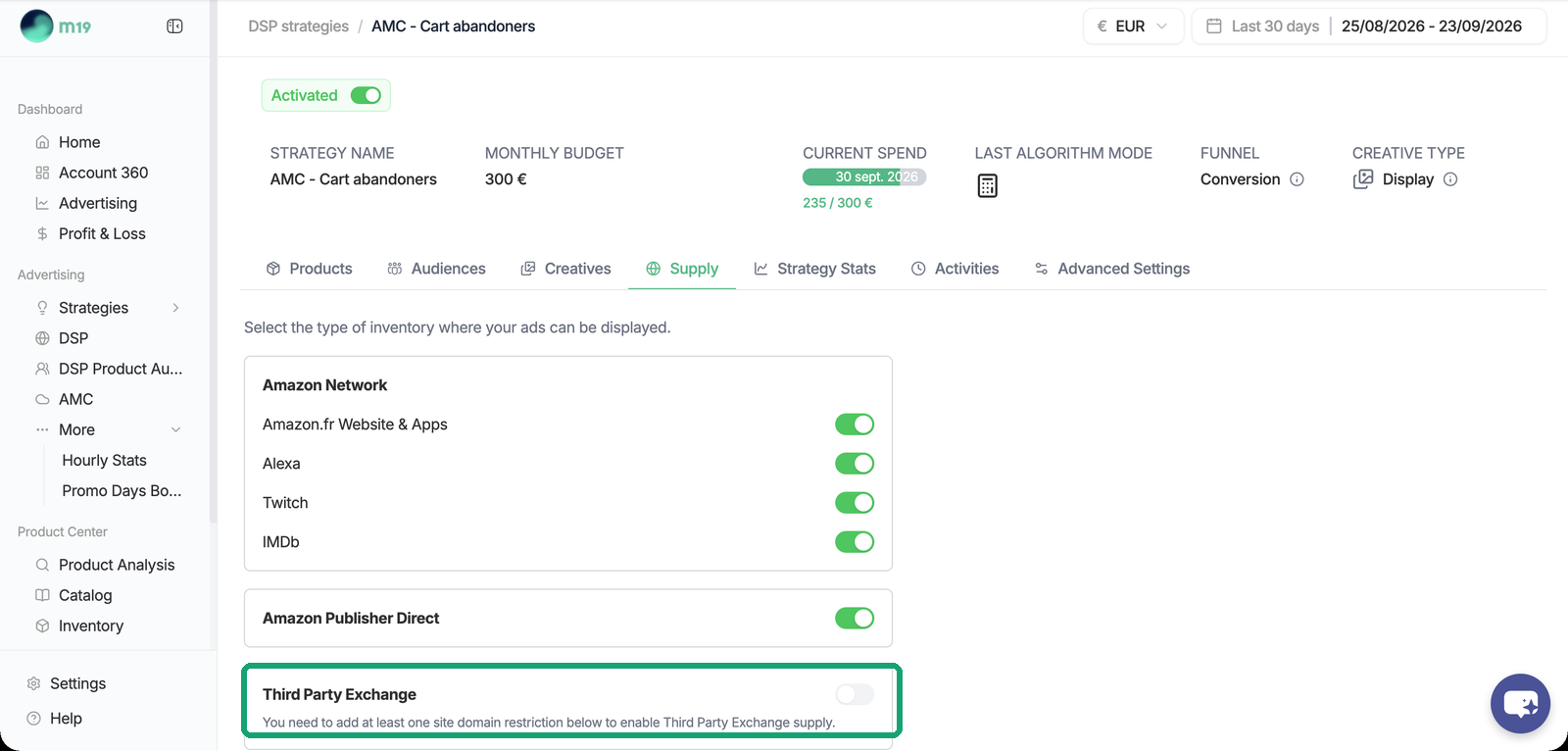
- Amazon Network: Amazon website and apps, Alexa, Twitch, IMDb. One toggle each, on by default.
- Amazon Publisher Direct: premium publishers integrated by Amazon. On by default. It is an all-or-nothing toggle; we recommend keeping it on.
- Third Party Exchange: the open web and apps. Off by default: it requires a site domain list (allowed or excluded sites) created in the Amazon DSP console and picked in the board. Performance can drop significantly when targeting every available third-party site, so a list of quality sites keeps your spend efficient.
Each supply source gets its own line items, so m19 pays each surface at its own value.
What you cannot do
There is no per-publisher choice: supply targeting is limited to the options of the Supply tab. Editing an m19-managed order directly in the Amazon DSP console is not a workaround, because m19 pushes updates to its orders and overwrites manual changes. To test a configuration outside this scope, create a separate order in the Amazon DSP console, outside m19: m19 never modifies campaigns it did not create.
After launch, the Inventory tab of the strategy shows which sites and supply sources actually served.
For Awareness strategies on Streaming TV, the supply is chosen with two toggles, Amazon Network and Third Party Exchange. Prime Video strategies serve on the deal only.