![m19-transparent.png]](https://help.m19.com/hs-fs/hubfs/m19-transparent.png?height=50&name=m19-transparent.png)
To run DSP strategies in m19, a DSP advertiser must be linked to your account and marketplace. Open Advertising > DSP in the board. If no advertiser is linked yet, you will see two options.
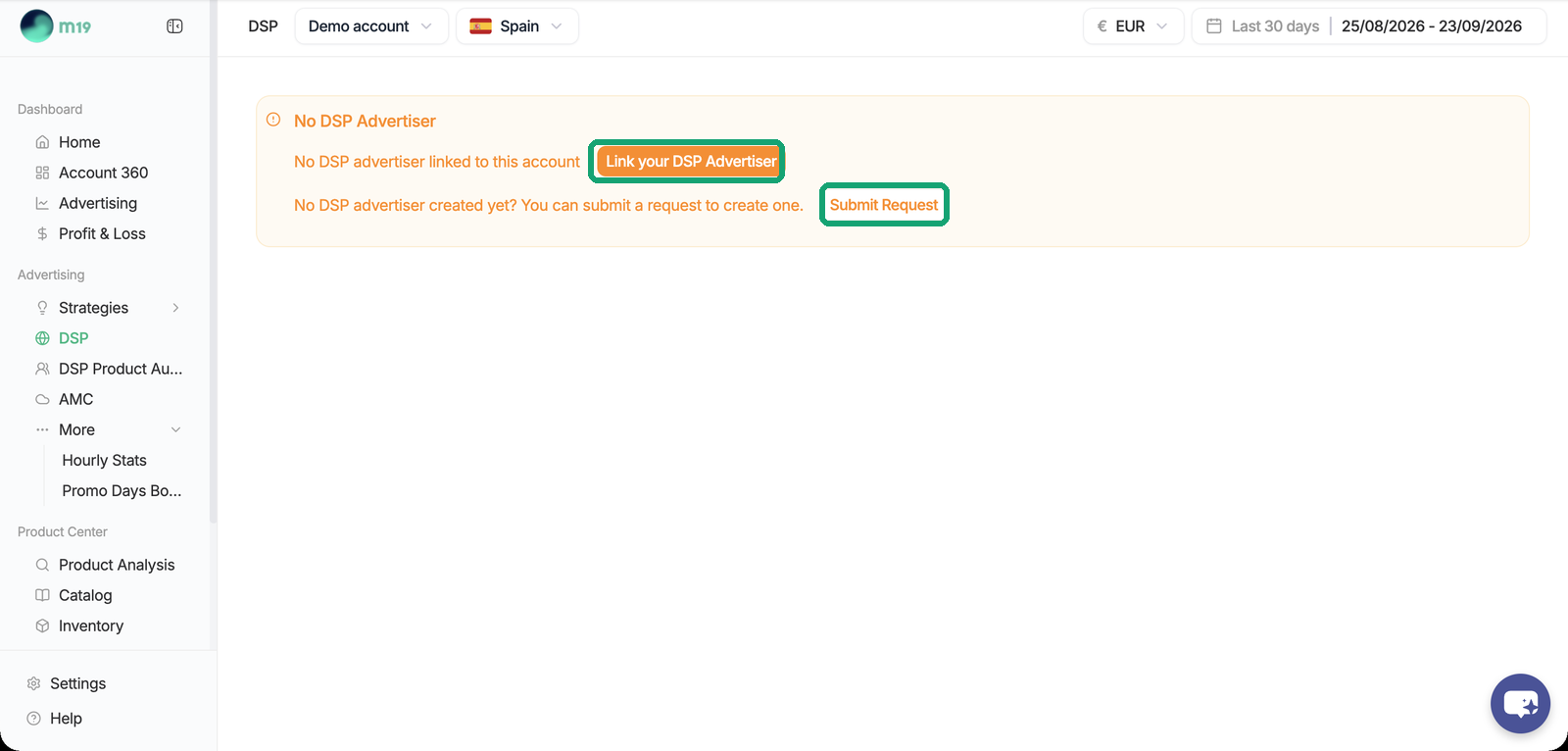
Link an existing DSP advertiser
If you already have a DSP advertiser (on your own seat or on an agency seat), click Link your DSP Advertiser and sign in with Login with Amazon. m19 warns you if the advertiser currency does not match the marketplace currency: the advertiser must use the official currency of the marketplace (for example AED for the UAE, SAR for KSA). An advertiser created with another currency cannot be connected and has to be recreated with Amazon.
Request a new advertiser on the m19 seat
If you have no DSP advertiser, click Submit Request and fill in the form: advertiser name and website, industry, contact, billing details (prefilled from your plan) and the email addresses of the users to invite in the Amazon advertising console.
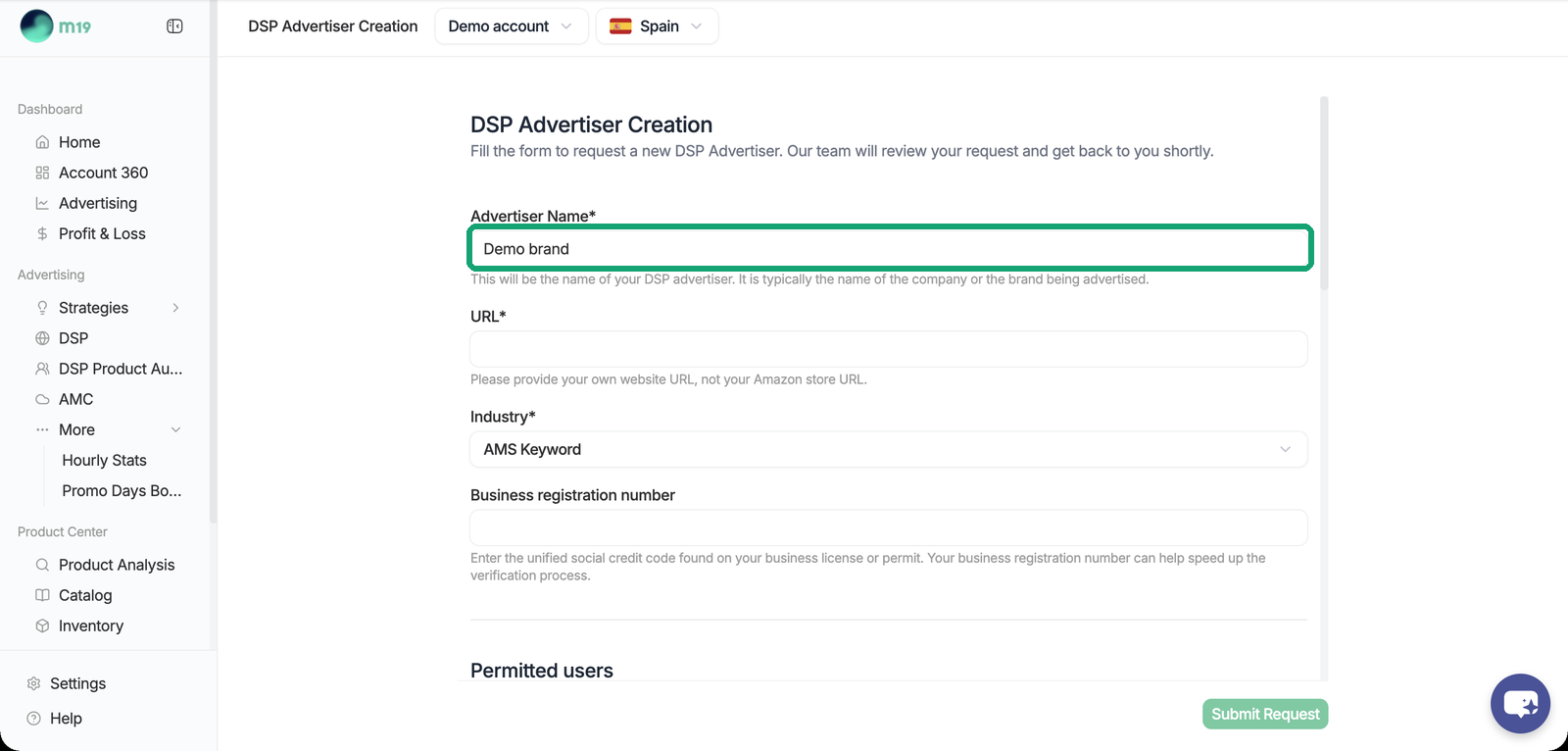
After an internal validation by m19, an automated process creates the Amazon advertiser, its billing profile, the user invitations and the link to your account. Nothing else is needed from you.
The status of your request is shown in the board: Pending, In progress, Incomplete, Rejected or Completed. Incomplete means one step is blocked, and a hint next to the status tells you what to fix.
Requesting an advertiser on the m19 seat is available on paid Professional subscriptions only, not on Starter or Autopilot.
One advertiser per platform, activation per marketplace
A DSP advertiser belongs to an Amazon platform (NA, EU or FE) and is shared across all the marketplaces of that platform. You do not need one advertiser per marketplace.
DSP automation is then activated per marketplace. At activation, the board shows the DSP fee that applies and asks you to confirm. Strategies can only be created on a marketplace once DSP automation is active there.
Who has access to the advertiser
When m19 creates the advertiser, the users you listed are invited in the Amazon advertising console and keep direct access to it. If the authorized user leaves the company, contact m19 support with the email address of the replacement contact: a new invitation is sent, and once accepted the new user can manage the advertiser directly in the Amazon console.
Blocking alerts
The board shows an alert on the DSP account in three cases: the advertiser has not been approved by Amazon yet (existing strategies do not deliver until it is approved), DSP automation has not been activated on the marketplace (no strategy can be created there), or an Amazon DSP invoice is overdue (existing strategies stop delivering until it is paid). See My DSP strategy is not delivering, what should I check? and, for invoices, How is DSP billed in m19?.
Next step: How do I create a DSP strategy?