![m19-transparent.png]](https://help.m19.com/hs-fs/hubfs/m19-transparent.png?height=50&name=m19-transparent.png)
Amazon DSP lets you reach shoppers beyond Amazon search results: on the Amazon store and app, Alexa, Twitch, IMDb, Fire TV, Prime Video, premium publisher sites and the open web. m19 runs your DSP campaigns from the same board as your Sponsored Ads, with the same strategy and budget logic.
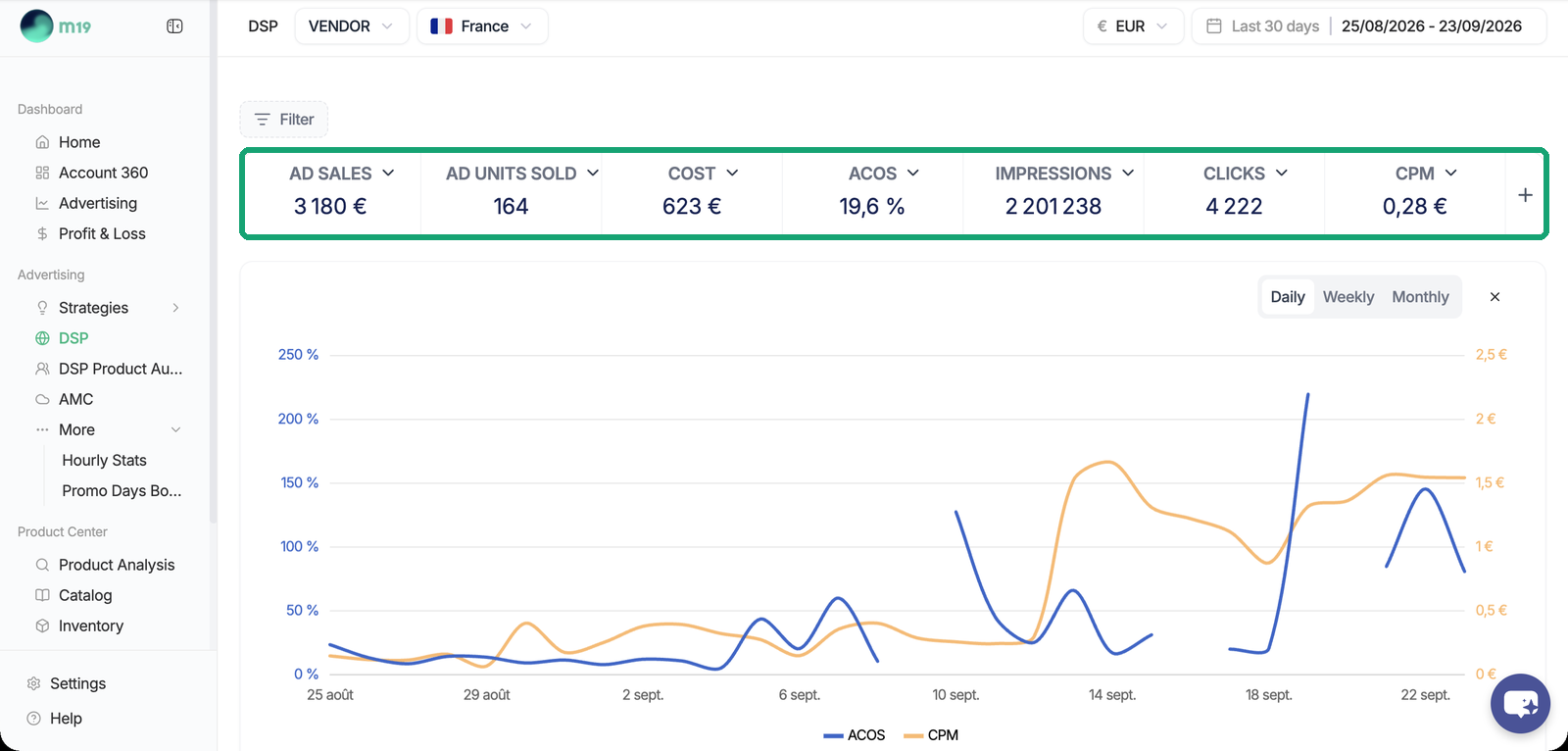
How DSP differs from Sponsored Ads
- Targeting is based on audiences (who shoppers are and how they behave), not on keywords or products.
- Billing is per thousand impressions (CPM), not per click.
- DSP covers the full funnel: awareness, consideration and conversion. Sponsored Ads mostly capture existing demand at the bottom of the funnel.
- Optimization is budget-based: you set a budget and m19 spends it as efficiently as possible. There is no ACOS or TACOS target on DSP strategies.
Who can use DSP in m19
- DSP is available on paid m19 Professional subscriptions. It is not included in the free trial, and not available on Starter or Autopilot.
- You need an existing Amazon advertising account: the DSP seat is tied to it. Advertisers who do not sell on Amazon cannot use DSP through m19, even to drive traffic to an external website.
- m19 does not impose a minimum DSP budget. You set the budget of each strategy yourself.
- You do not need to run Sponsored Ads campaigns in m19 to use DSP, and DSP can run alongside an agency's DSP seat.
What DSP in m19 does not do yet
- No ACOS or TACOS target on DSP: optimization is budget-based.
- 1 to 50 ASINs per strategy.
- No audio, digital out-of-home, podcast or live events inventory; no contextual targeting; no day-parting.
- Reach and frequency are not reported in the stats. The frequency cap is a daily per-user cap at order level.
- m19 does not negotiate or source Prime Video deals.
- DSP data is not included in the BigQuery export.
Where to go next
- How do I get a DSP advertiser?
- How do I create a DSP strategy?
- DSP creatives: Responsive eCommerce, custom banners and video
- DSP audiences: Standard mode, Smart Audiences and product audiences
- Where are my DSP ads displayed?
- How are DSP sales attributed and how do I read my results?
- How is DSP billed in m19?
- My DSP strategy is not delivering, what should I check?